MongoDB, without the browser baggage.
A native MongoDB workbench for macOS, Linux, and Windows — written in Rust, rendered on the GPU, with no Electron underneath.
One window for the whole workflow.
Browse, filter, edit, aggregate, and move data without rebuilding your context in another tool. This is the documents view on Atlas sample data.

Native on every desktop.
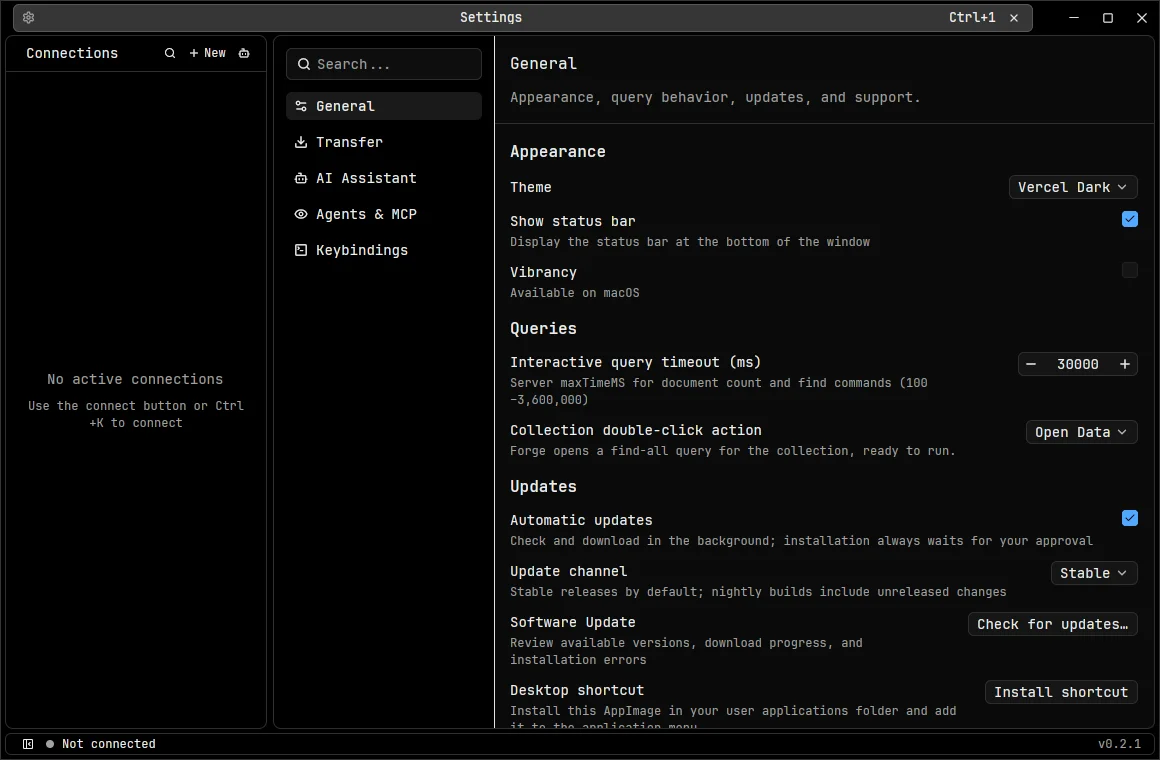
The same Rust and GPUI app on macOS, Linux, and Windows. Credentials go to each system’s own keychain, and in-app updates verify signatures before installing — only when you choose.
| macOS | ZIP · signed and notarized | Apple Silicon download for macOSIntel download for macOS |
|---|---|---|
| Linux | AppImage · glibc 2.39 or newer | x86_64 download for LinuxARM64 download for Linux |
| Windows | Per-user installer · Windows 10 and 11 | x64 download for WindowsARM64 download for Windows |
Everything for day-to-day MongoDB work.
| Documents | Tree, table, and JSON views of the same data. Sortable, pinnable columns, inline or JSON editing, guarded bulk operations. | status:active age>30 |
|---|---|---|
| Queries | Aggregation pipelines, schema analysis, explain plans, and mongosh-compatible Forge. Successful runs land in the Query Library. | saved · tagged · searchable |
| Data transfer | Import JSON, NDJSON, CSV, or BSON. Export those plus Excel. Copy between collections or databases with progress and cancellation. | staged, atomic output |
| History | Encrypted document history captured passively from change streams, with retention controls and conflict-safe, resumable restores. | change streams |
| Connections | Direct, SRV, SSH tunnel, or SOCKS5. Mark each one Development, Staging, or Production, and optionally confirm every Production write. | redacted or encrypted export |
| Agents & MCP | A local, authenticated MCP server gives AI agents read access — and write access only where you allow it — per connection. | off by default |
| AI assistant | Ask MongoDB-aware questions with Gemini, OpenAI, Anthropic, or Ollama. Review every tool call; document sharing is opt-in. | optional |
| Workspace | Command palette, customizable keybindings, 13 themes, restored tabs, and verified in-app updates. | keyboard-first |
Your credentials stay out of config files.
OpenMango keeps connection credentials and AI keys in the system credential store — macOS Keychain, the Linux Secret Service keyring, or Windows Credential Manager. Read-only mode blocks every app-owned write, including AI, Forge, and agents, and destructive actions revalidate their target before they run.
Read the safety detailssafety.defaults
- credentials
- system keychain
- read-only mode
- per connection
- production writes
- confirm (opt-in)
- AI document samples
- off
- agent writes
- off
- support bundles
- redacted